v1.1.0 ·
New scribe options, workspace notes, and interactive trend charts
New scribe options for clinical note generation, edit generated drafts directly in the workspace, and view lab and vital-sign trends as interactive charts.
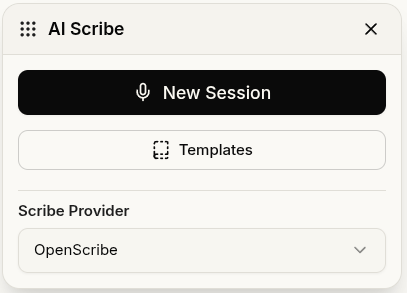
Choose your scribe provider
EvidenceMD is now available alongside OpenScribe for generating clinical notes. Use the new Scribe Provider dropdown in the scribe view to choose your provider. Your selection is remembered across sessions.
Heidi Health, DeepScribe, Abridge, and Commure are also available as higher-tier options.
Open and edit scribe notes in the workspace
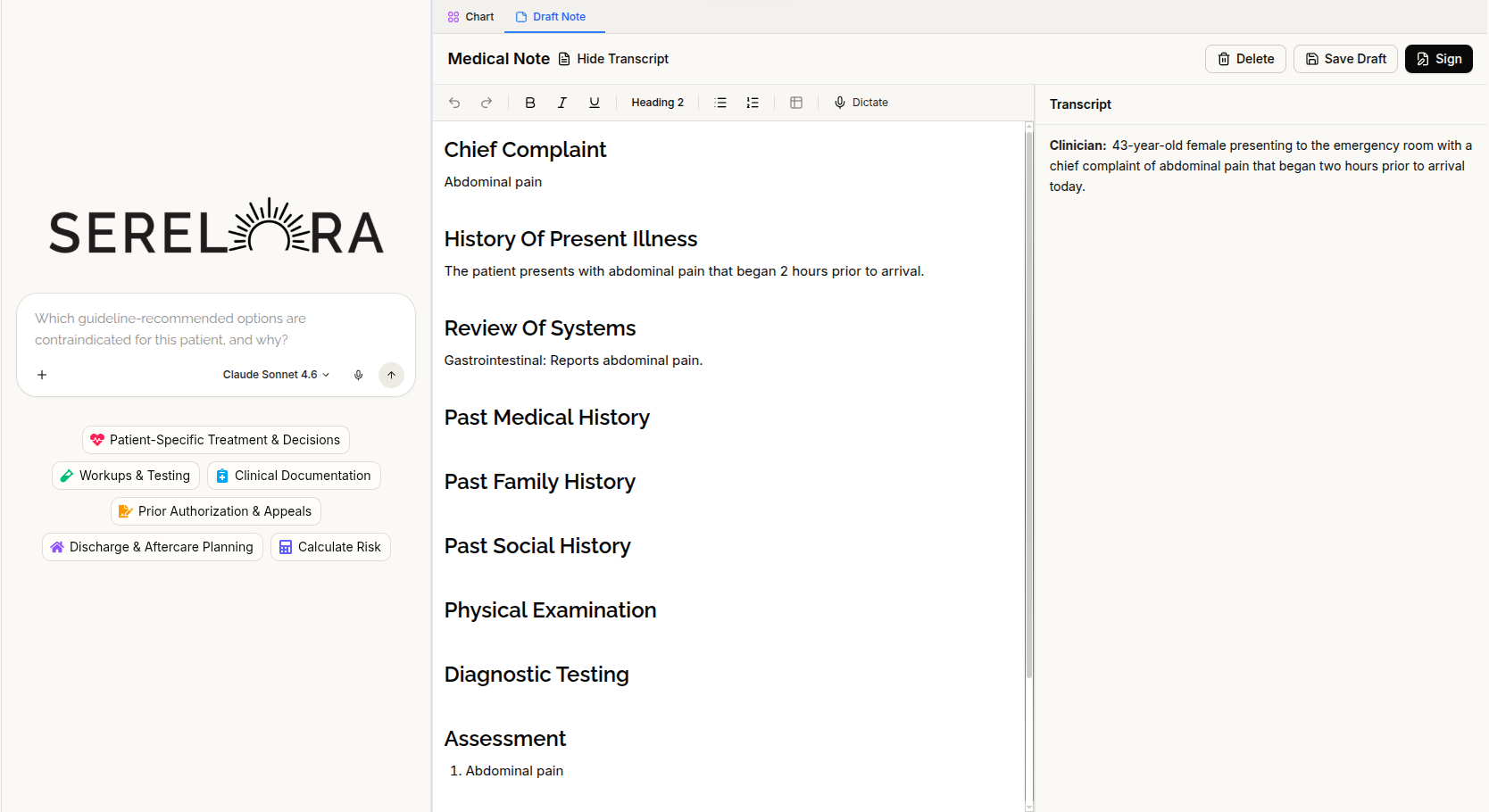
Scribe-generated notes now open directly in a workspace note tab, rather than on a separate fullscreen page. This brings them into the same editing experience as your other notes.
Generated notes are saved as drafts and remain available when you navigate away or reload the page. They also display with rich-text formatting in the note editor.
View lab and vital-sign trends as interactive charts
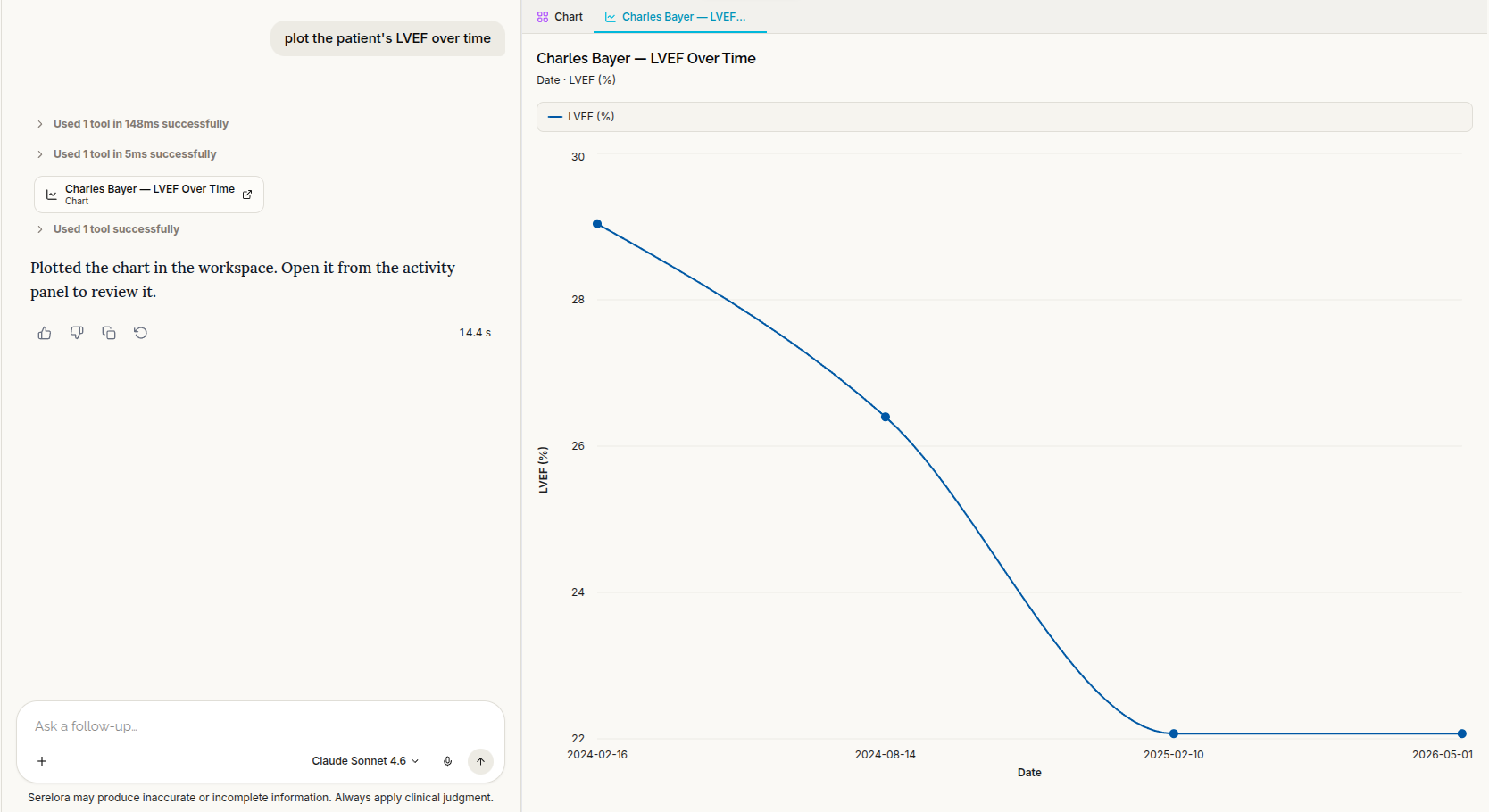
The clinical assistant can now display numeric results across visits as interactive charts, rather than only describing trends in text. Each chart opens in its own workspace tab.
For example, ask: “Plot this patient’s blood pressure readings over time.”
Charts show individual measurements connected in chronological order, with labeled axes and a legend. Distinct colors help you distinguish multiple data series when they appear together.
Cleaner assistant replies
Assistant replies now keep reasoning in the separate reasoning panel instead of including it in the main message, making the conversation easier to follow.