v1.11.0 ·
Practice Agent, self-serve clinic setup, and streaming clinical notes
Launch a clinic without manual approval, query patient populations with the new Practice Agent, and generate cited clinical notes that stream directly into the editor.
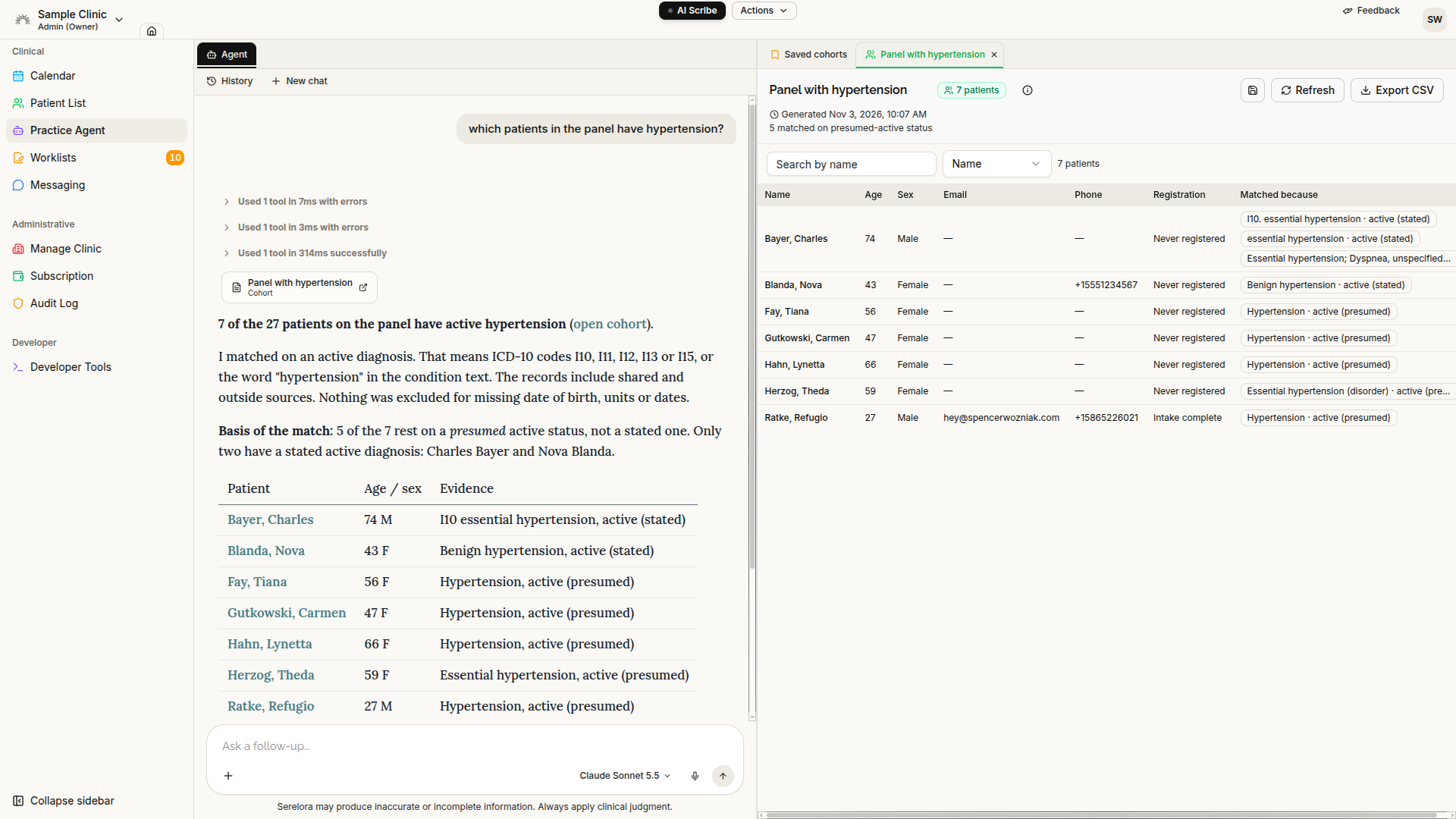
Query your patient population
The new Clinical → Practice Agent can identify cohorts across your clinic, such as patients with specific conditions, medications, lab results, visit history, or portal-registration status. Save and refresh cohorts, export them when permitted, or propose an eIntake campaign for eligible members.
Start a new clinic independently
New practices can now register, complete guided clinic setup, sign the BAA electronically, explore Serelora using a synthetic tutorial patient, and begin a subscription without waiting for manual approval. A 7-day trial begins after the tutorial and does not block clinical work when it expires.
New models and smarter assistant context
Claude Haiku 5.5 is now the default chat model. Claude Sonnet 5.5, Opus 5.5, GPT-6.1 Sol, and GPT-6 Luna are also available. Longer conversations now make better use of each model’s context window.
Agent-proposed orders
When Orders is enabled, the assistant can prepare an order proposal and open it in the standard composer. Clinicians can modify the proposed items before signing. The assistant does not independently place orders.
Safer concurrent editing
Clinical records now better protect against two people—or two browser tabs—editing the same information at once. When another change has already occurred, Serelora asks you to reload and try again instead of silently overwriting newer information. This protection now covers notes, addenda, demographics, insurance, clinical status, scheduling, encounter filing, patient merges, and order signing.
Additional improvements
- Documents: Original PDFs with selectable text can now show highlighted source mentions, not only scanned documents.
- Encounters: Imported documents can be associated with their referenced visit when encounter information is available.
- Scribe notes: The note type now reflects the scribe template used, such as History & Physical.
- Patient contact information: Phone and email are easier to see from the patient list, chart sidebar, and Messaging.
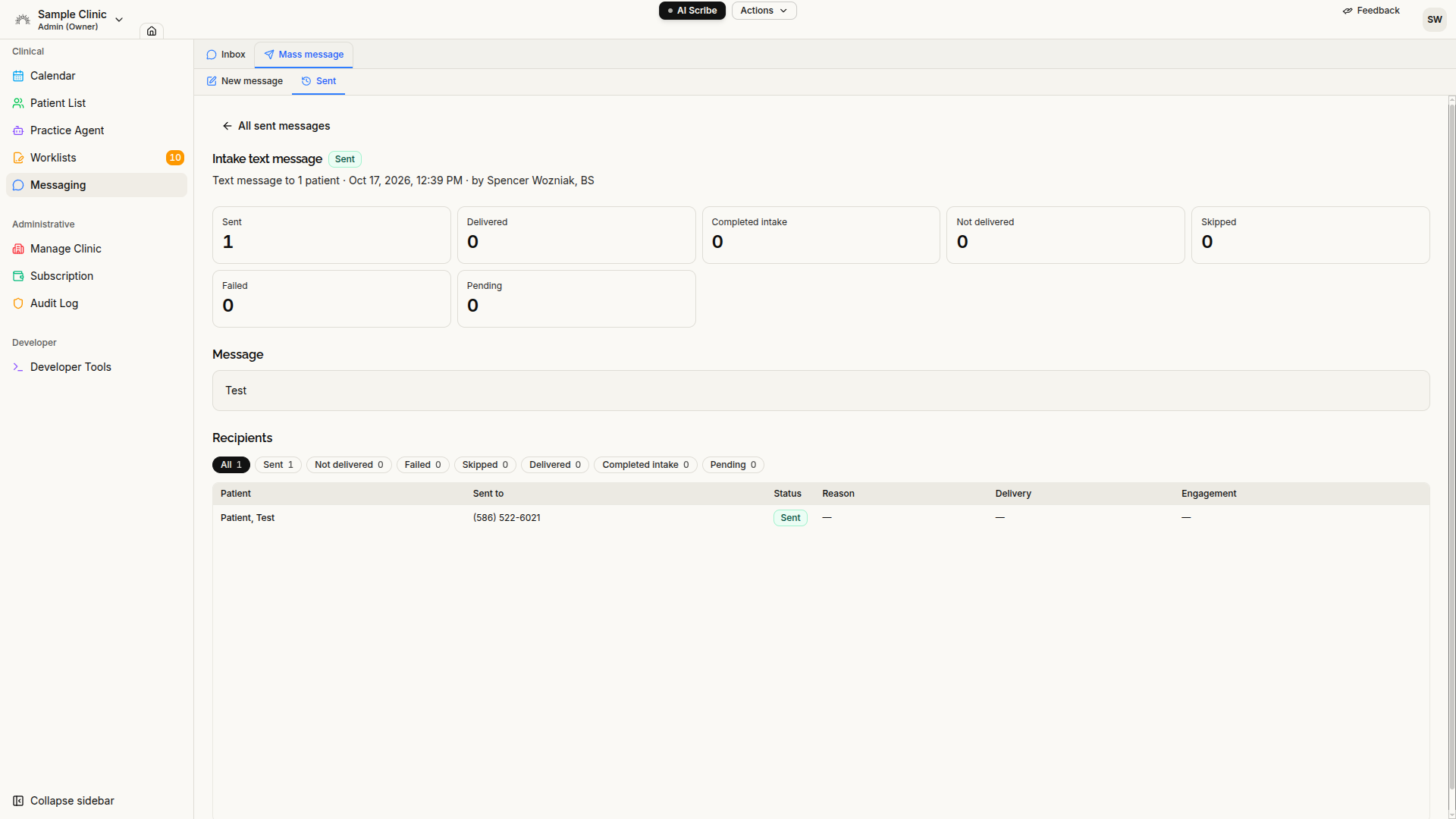
- Messaging: Intake campaigns now track Opened, Clicked link, and Completed intake, with filters by engagement stage.
- Co-signatures: When a physician signs a draft written by a PA or MA, authorship now correctly reflects the drafter and co-signer.
- Clinic administration: Subscription, billing, feature controls, BAA status, and clinic information are organized into clearer management areas.