v1.4.0 ·
Cash-pay billing, signed-note addenda, and clinic consent forms
Manage cash-pay visits from check-in through invoicing, append signed addenda without changing the original note, and share your clinic’s consent forms with patients.
Manage cash-pay visits from check-in to invoicing
The platform now supports cash-pay billing, bringing visit check-in, charge capture, checkout, invoicing, and manual payment recording into one workflow.
Check in a scheduled patient from their calendar appointment, or start a walk-in visit from the patient chart’s Billing tab. Visit details—including the stated complaint, visit intent, and triage notes—are now kept with the individual encounter rather than the patient’s overall profile.
In the Billing tab, you can add services from your catalog, adjust quantities, review running totals, and complete the visit at checkout. Price overrides require a reason, and charges can be edited or removed until they are invoiced.
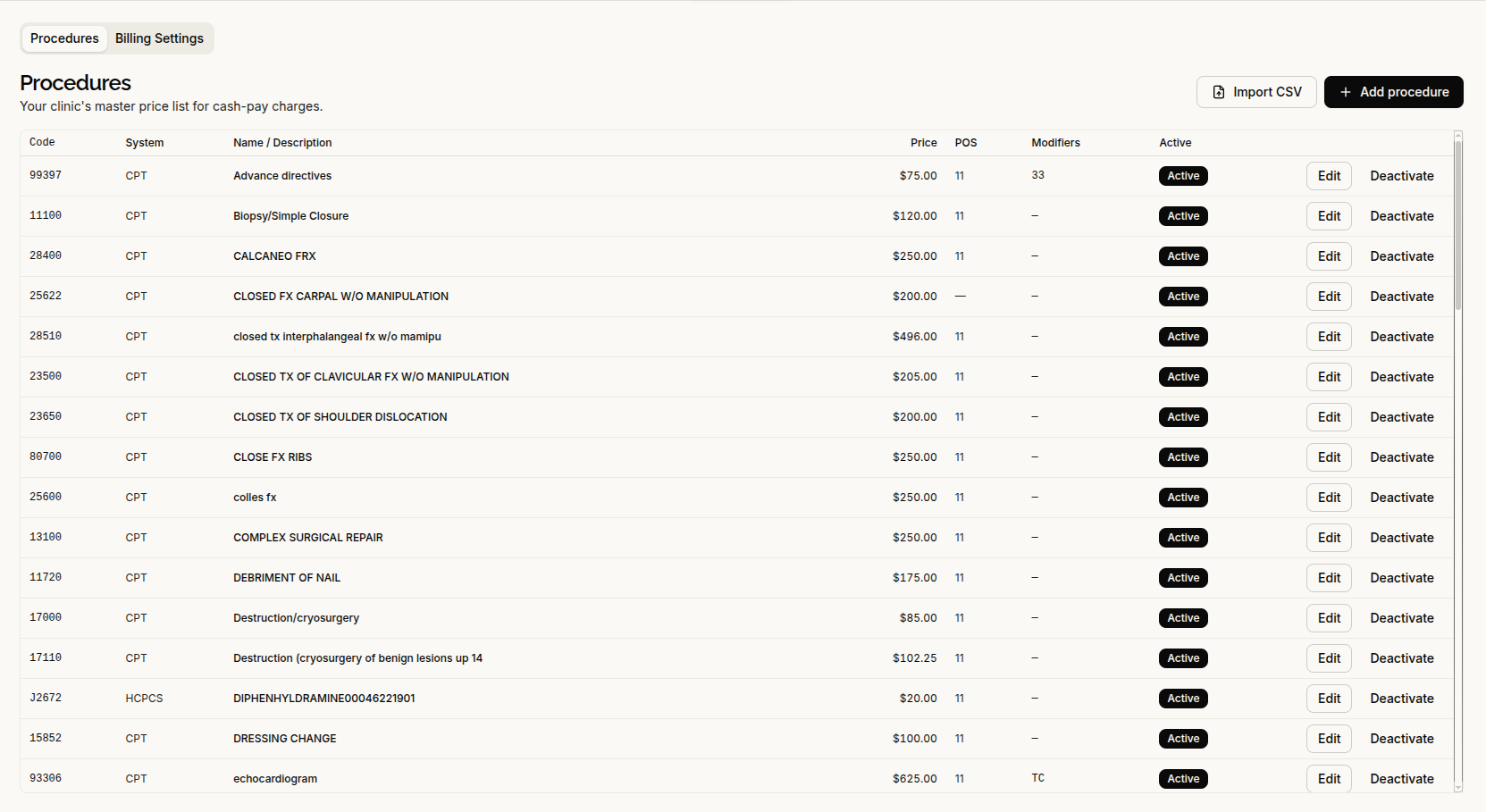
Under Administrative → Procedures, you can maintain your clinic’s service-and-price catalog or import it from a CSV file. An import preview identifies warnings and blocking errors before you save.
Invoices use clinic-specific numbering, and payments can be recorded manually. Clinics can also complete Stripe Connect onboarding. Insurance claims submission is not included in this release.
Add signed updates without changing the original note
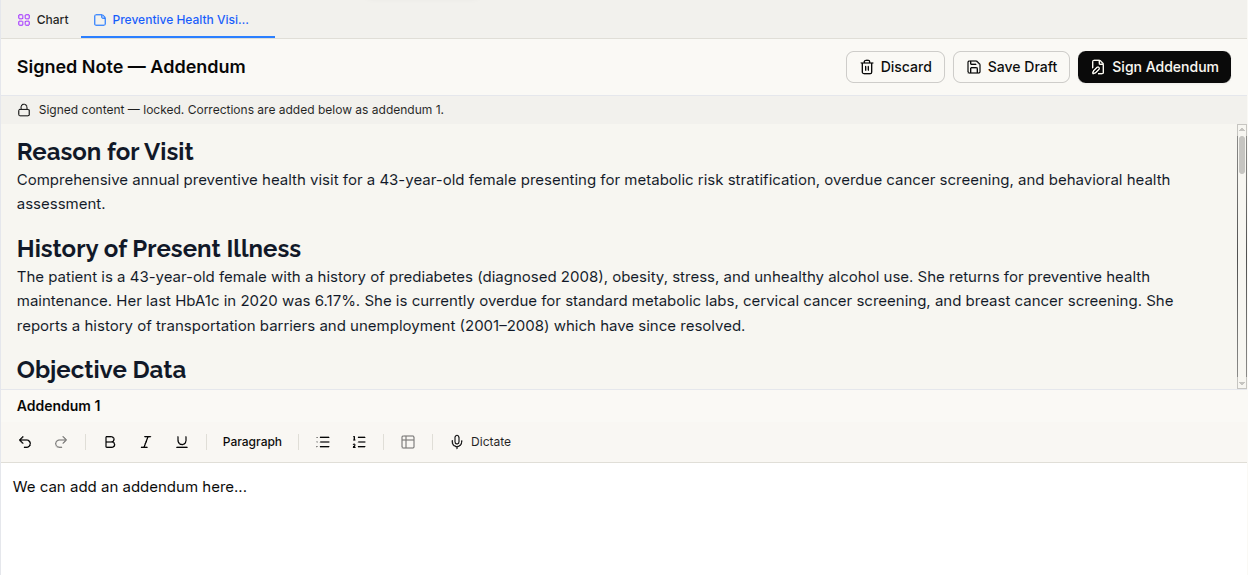
You can now append a signed addendum to a signed note created in the platform. The original signed content stays locked, with only the new addendum available for editing.
Each addendum includes its own signer and signing time. Updated PDFs include the addendum, while previous PDF versions are retained.
Imported documents remain read-only and do not support addenda.
Review clinical references and follow clearer source links
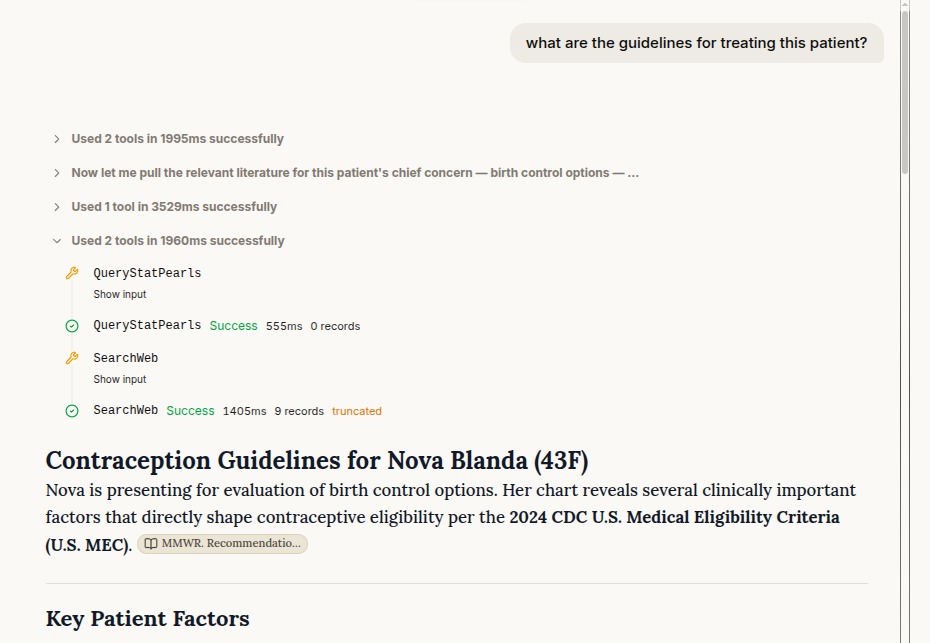
The clinical assistant can now retrieve StatPearls articles from NCBI Bookshelf to support answers to clinical questions. Linked citations let you open the referenced article and review the source. The assistant also suggests follow-up questions to help continue the conversation.
Source links within patient records have been improved, too. Records imported in FHIR format now produce PDFs organized into clinical sections, with chart findings linked to the specific source entry. Intake answers are also carried into the chart more reliably, addressing missing responses and incorrect source references.
Use your clinic’s own consent forms
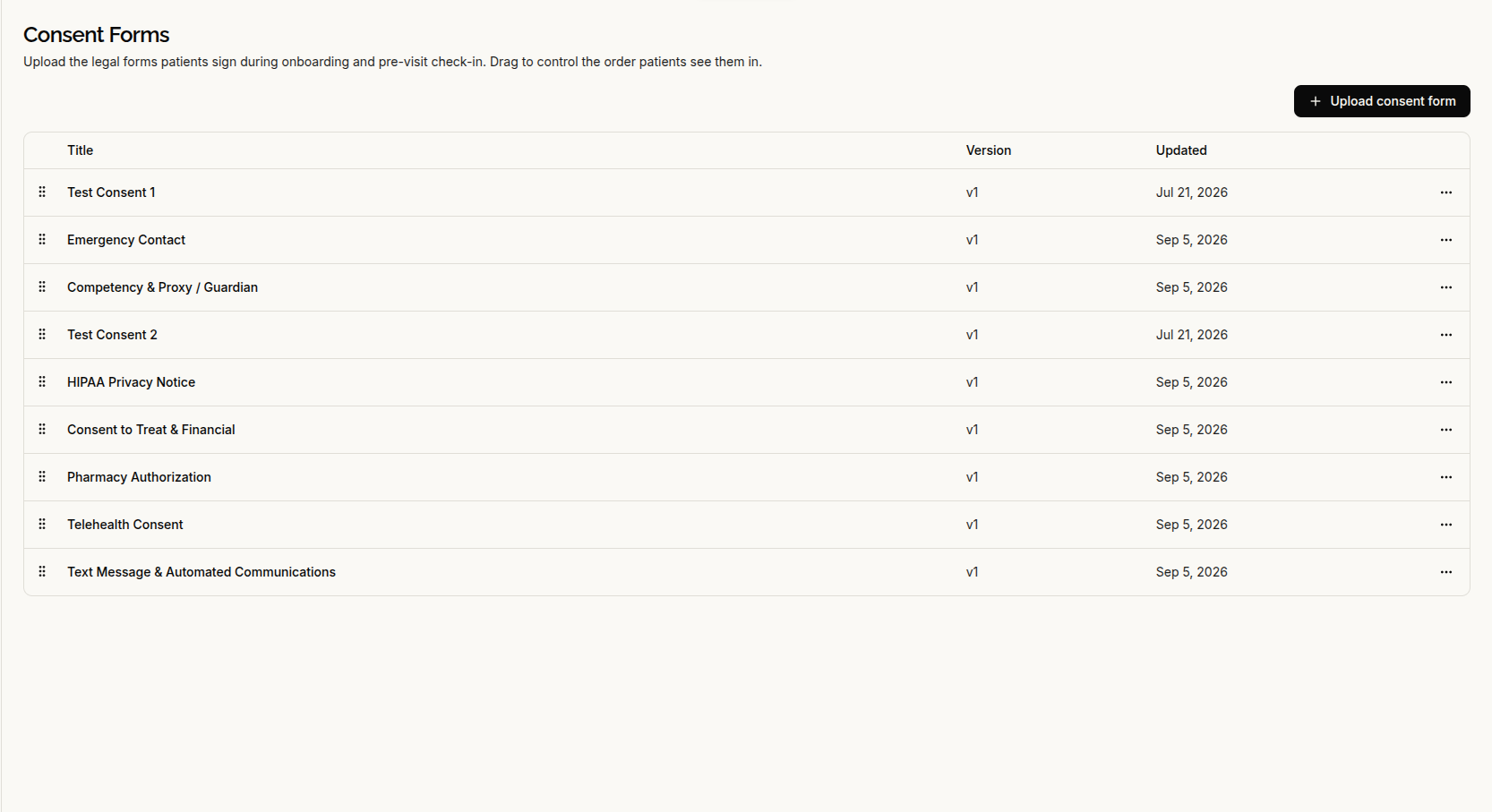
Clinics can now upload their own consent PDFs and control the order patients see them. Each patient’s consent decision is tied to the specific version of the form they reviewed.
Patients who have completed onboarding can also view their standing consent decisions in the portal.
A transcription disclosure before mobile recording
The provider app now requires an AI transcription acknowledgment before recording is enabled. The disclosure names AWS HealthScribe as the recipient of the audio and asks you to confirm patient permission.
Recording does not begin unless the acknowledgment has been accepted and saved. The provider app is iPhone-only in this release.
Smoother patient onboarding
Patients can now enter insurance information manually and return to insurance upload after selecting self-pay. Patients linked only to cash-pay clinics skip the insurance step.
Identity-verification processing status is retained when patients navigate away or reload. Selecting Book in Chat now sends the appointment-booking request automatically.
Improvements to everyday workflows
- Scheduling: Appointments can be dragged between days, and a moved appointment stays in its proposed position while you confirm the change. Calendar popovers stay on screen, and the schedule adapts better to narrow windows.
- Chart navigation and patient details: Chart sections load individually as you open them. The clinical timeline now has a fullscreen toggle in place of scroll-wheel zoom, document search is restored in the Documents tab, and patient creation includes phone and email fields.
- Document uploads: Rejected files are identified in the upload area. Failures during document import and information extraction are reported separately, with a retry option. Patient portal records refresh when extraction finishes.
- Notes and PDFs: AI-assisted note edits have improved text matching and change review. Generated PDFs now render ampersands and previously unsupported symbols correctly.
- Access and error messages: Provider approval is enforced before sign-in. Unexpected errors display plain-language messages with a short reference for support, rather than internal technical details.