v1.5.0 ·
External EHR integration, patient billing, and pre-visit check-in
Connect with compatible external EHRs, give patients access to billing information and invoice PDFs, and collect appointment-specific consents during pre-visit check-in.
Connect with compatible external EHRs
Serelora now supports SMART on FHIR launches with compatible external EHRs. This provides a new way to use Serelora through an external EHR integration, once the connection has been configured for your clinic.

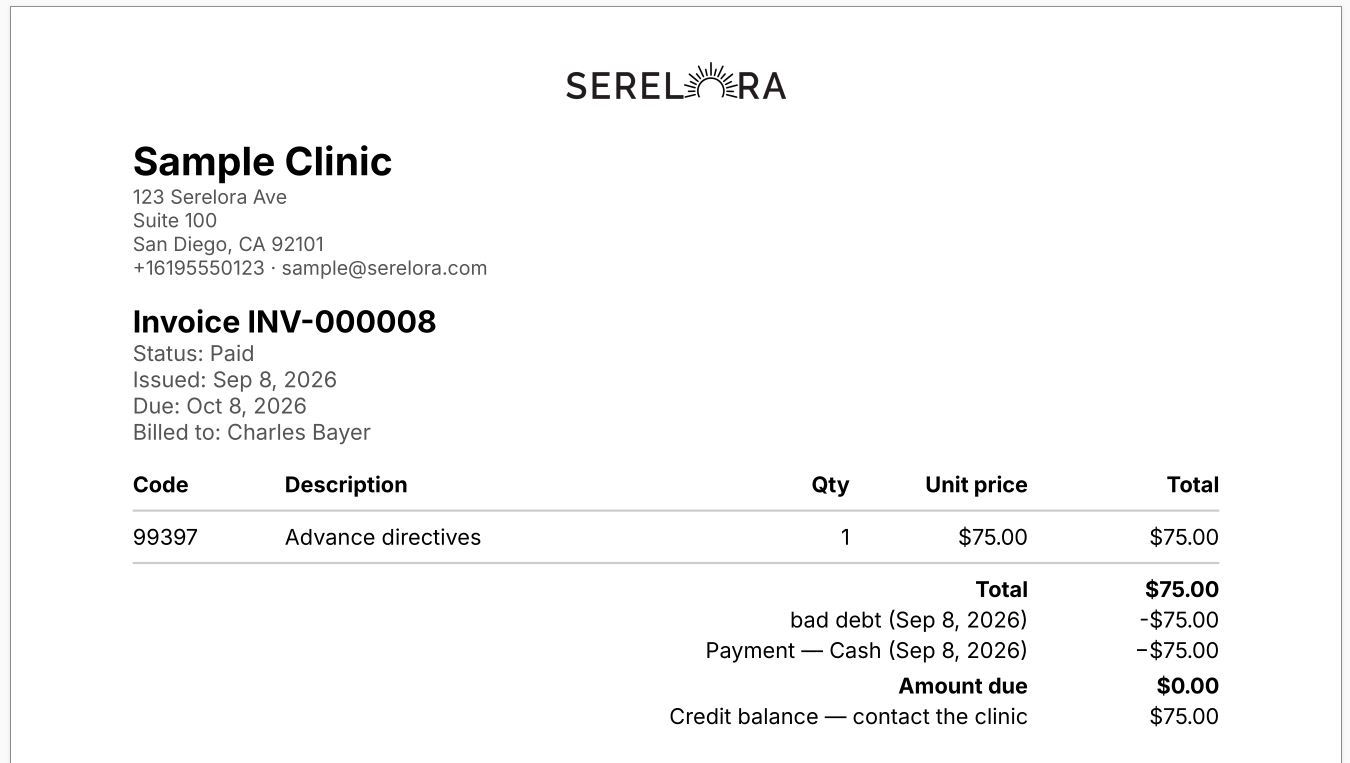
Give patients access to cash-pay billing
Patients now have a dedicated Billing tab in the portal. The cash-pay billing workflow also includes generated invoice PDFs, extending the clinic-side billing features introduced in the previous release.
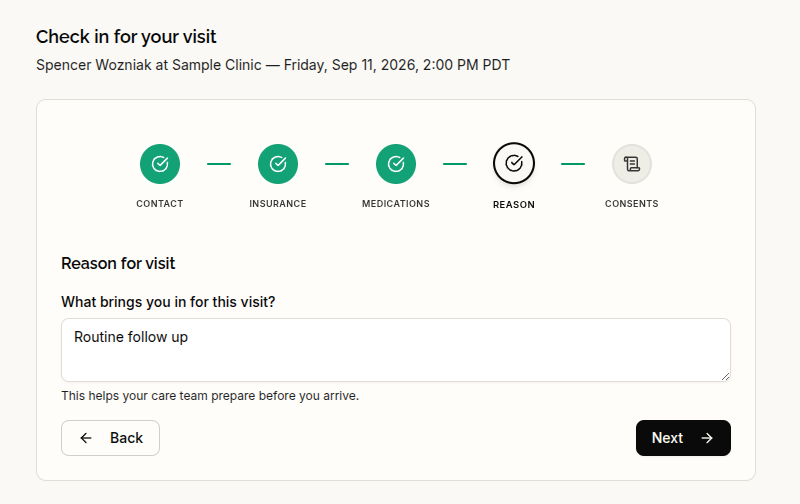
Complete check-in and appointment consents before the visit
Patients can now complete pre-visit check-in and sign consent forms for each appointment. The reason they provide at check-in carries into the encounter’s stated complaint, keeping that information available in the visit record.
New patients also have a simpler initial signup, with demographic details collected during onboarding rather than registration.
Manage patient records and clinic staff
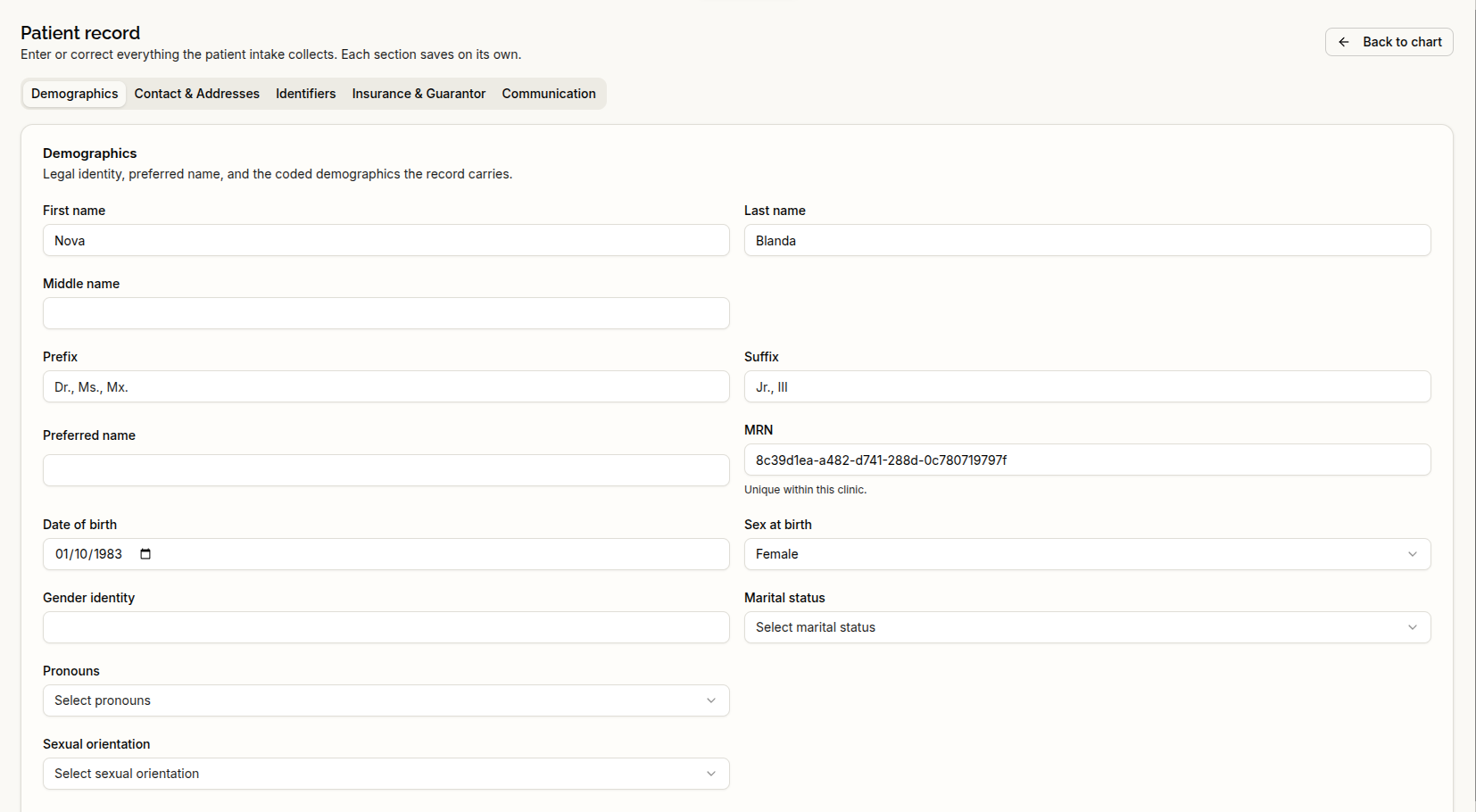
Patient information can now be edited on a dedicated full-page screen. Accidentally created patient records can be removed from the patient list, and clinic staff can be added directly through the Add Staff dialog.
Patient selectors now make records easier to distinguish. Medical record numbers must be unique within each clinic, and patient dates of birth and phone numbers are validated when entered.
Find information within notes and documents
The clinical assistant can now search for specific terms within an individual document or note, focusing on matching passages rather than reviewing the entire text.
Document and note workflows have also been refined:
- Recently edited documents now appear at the top of the Documents tab.
- Signed notes have an Export action directly in the toolbar.
- Accepted AI edits display as formatted rich text rather than literal Markdown.
- Unavailable files produce clearer errors during export or consent-form viewing and printing.
Clearer appointment details and scheduling
Appointment times now consistently use the clinic’s timezone, and patient rescheduling options include timezone labels.
The calendar has more compact appointment cards, with status visible even on 30-minute appointments. A dedicated appointment-editing page provides more room to review and update details. An appointment can only receive checked-in status through the check-in action.
In the patient portal, canceled appointments no longer appear under Upcoming. Patient self-booking also enforces limits on appointment duration and how far in advance a visit can be booked.
Keep your workspace in place
Showing or hiding chat no longer reloads the workspace pane, and unsaved-note warnings now apply in more places.
The sidebar’s patient card follows the page you are viewing rather than a previously selected patient. The Scribe Templates manager is also now scoped to the active provider’s templates.