v1.7.0 ·
Clearer patient charts, note dictation, and appointment reminders
Review clinical status, surgical history, and lab panels in a more organized chart. Dictate directly into notes, draft addenda with the assistant, and keep patients informed with appointment texts and emails.
Review and update clinical status
Conditions and medications now display clinical status, rather than the generic “Asserted” label previously shown. You can update a status directly from its label in the chart, and conflicts between provider-set statuses and later imported information are flagged for review.
Both tabs now include a Last Confirmed field. You can also add a condition or medication manually.
Chart sections now support collapsible groups, sorting, and Clinically relevant and Include non-asserted filters.
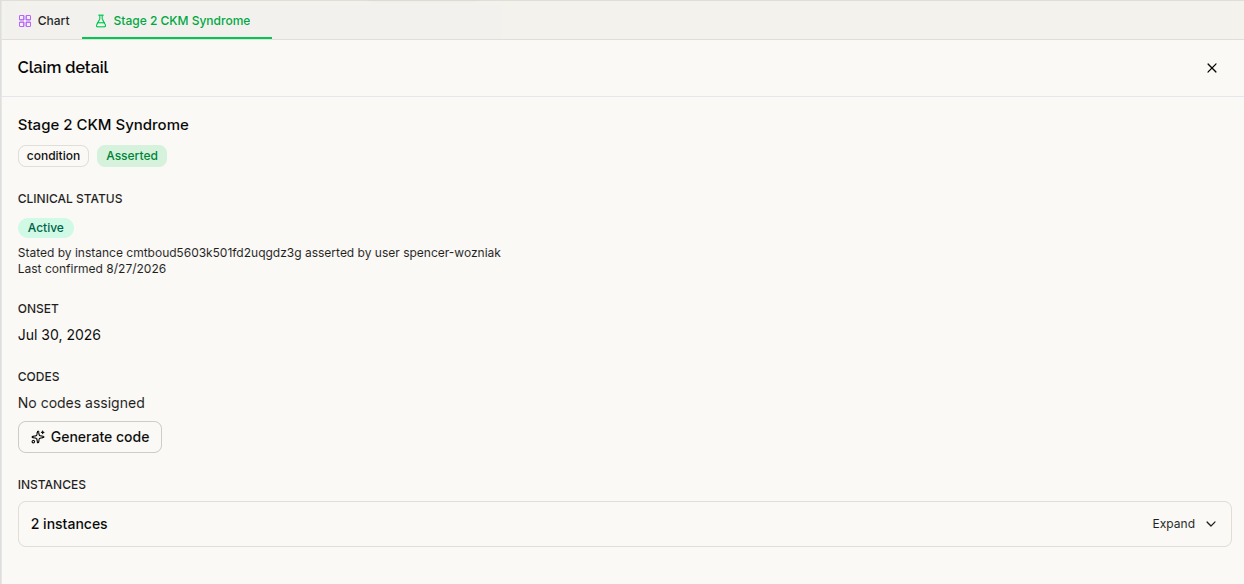
Dictate notes and draft addenda with the assistant
You can now dictate directly into the note editor, with text inserted at your cursor.
The assistant can also draft an addendum to a signed note. The original signed content remains unchanged, and you still review and sign the addendum yourself—the assistant cannot sign it for you.
Tables generated by the assistant are preserved in the editor, signed note, and exported PDF. Accepted AI edits are also saved to the draft, addressing a problem where changes could be lost when switching workspace tabs.
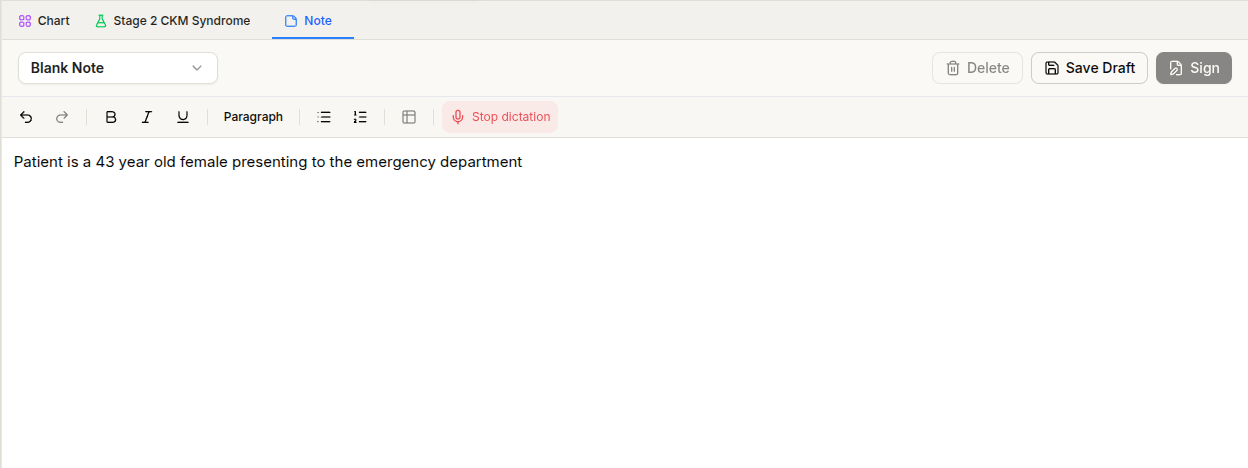
Update patient details and search more precisely through chat
The assistant can now propose updates to patient demographics, insurance, and guarantor information for your review and approval.
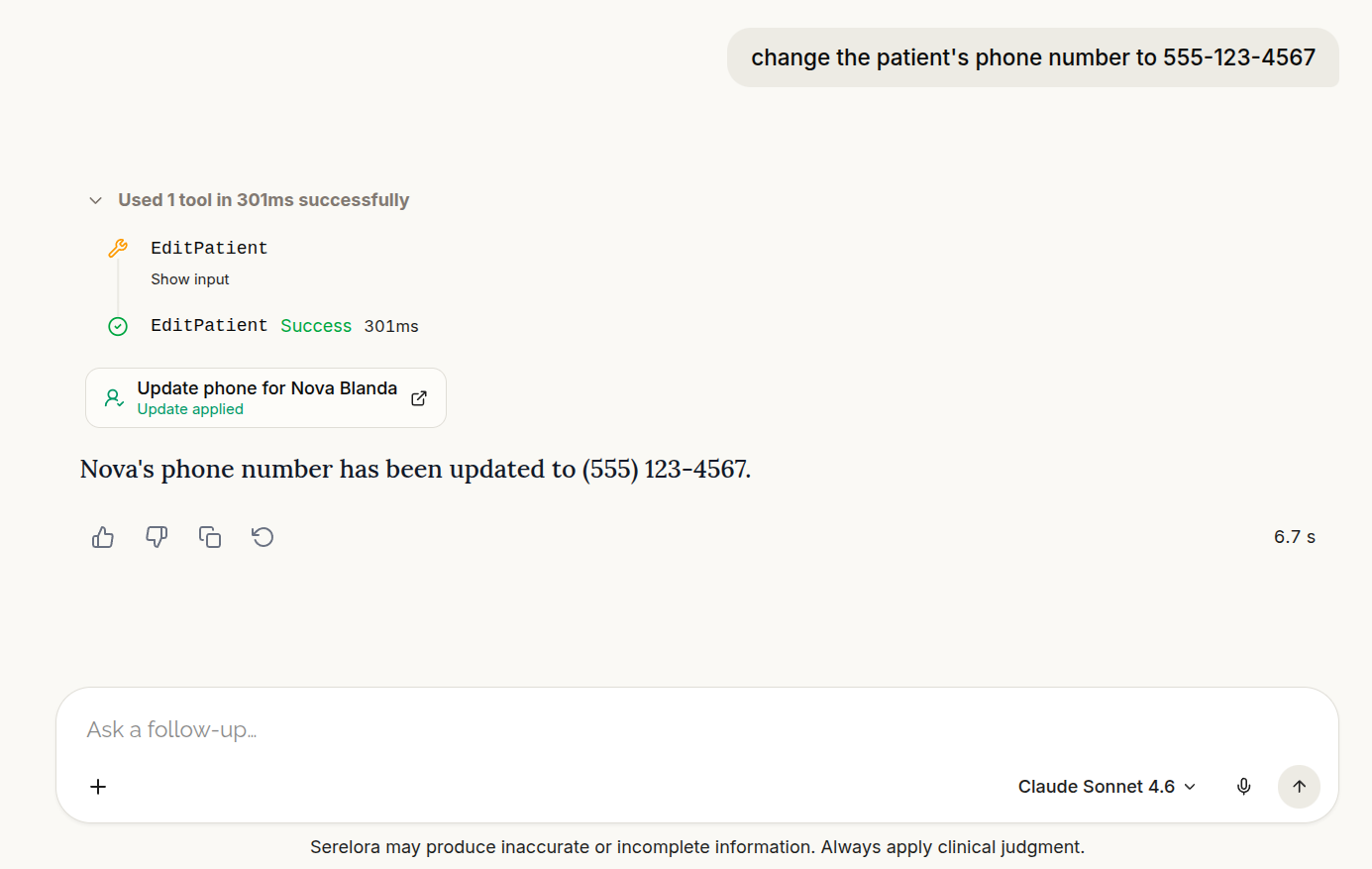
It can also refer back to earlier actions and their outcomes within the same conversation, including whether a proposed change was completed or canceled.
Chart searches now support required keywords, excluded terms, and date filters. The assistant can use images attached to chat when responding, and you can star important conversations in your chat history.
Keep patients informed by text and email
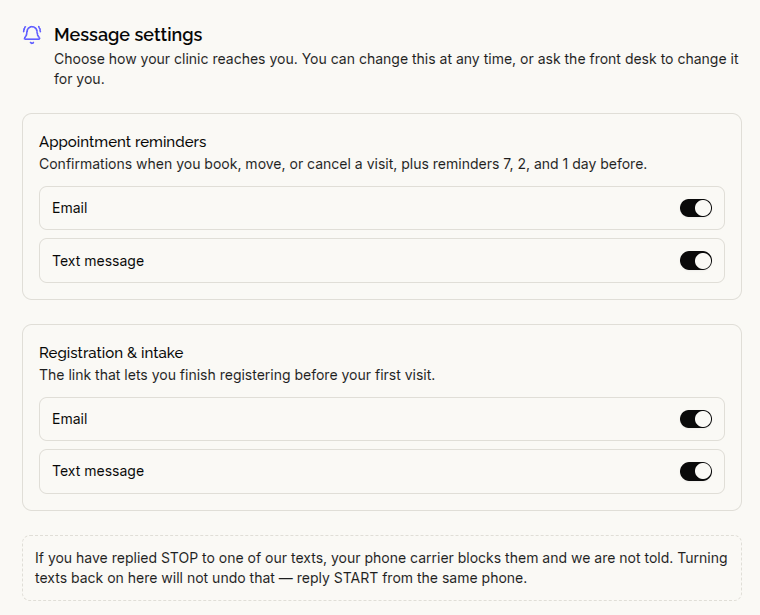
For clinics with appointment notifications enabled, patients can receive SMS and email notices when appointments are booked, reinstated, rescheduled, or canceled. Reminders are scheduled for seven, two, and one day before the appointment.
Patients can manage email and text preferences separately. Appointment messages and registration/intake invitations have separate settings, so turning off appointment reminders does not also turn off intake invitations.
The calendar also identifies visit types with both colors and symbols, making appointment types distinguishable without relying on color alone.
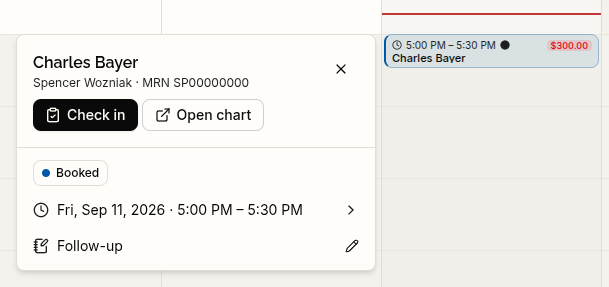
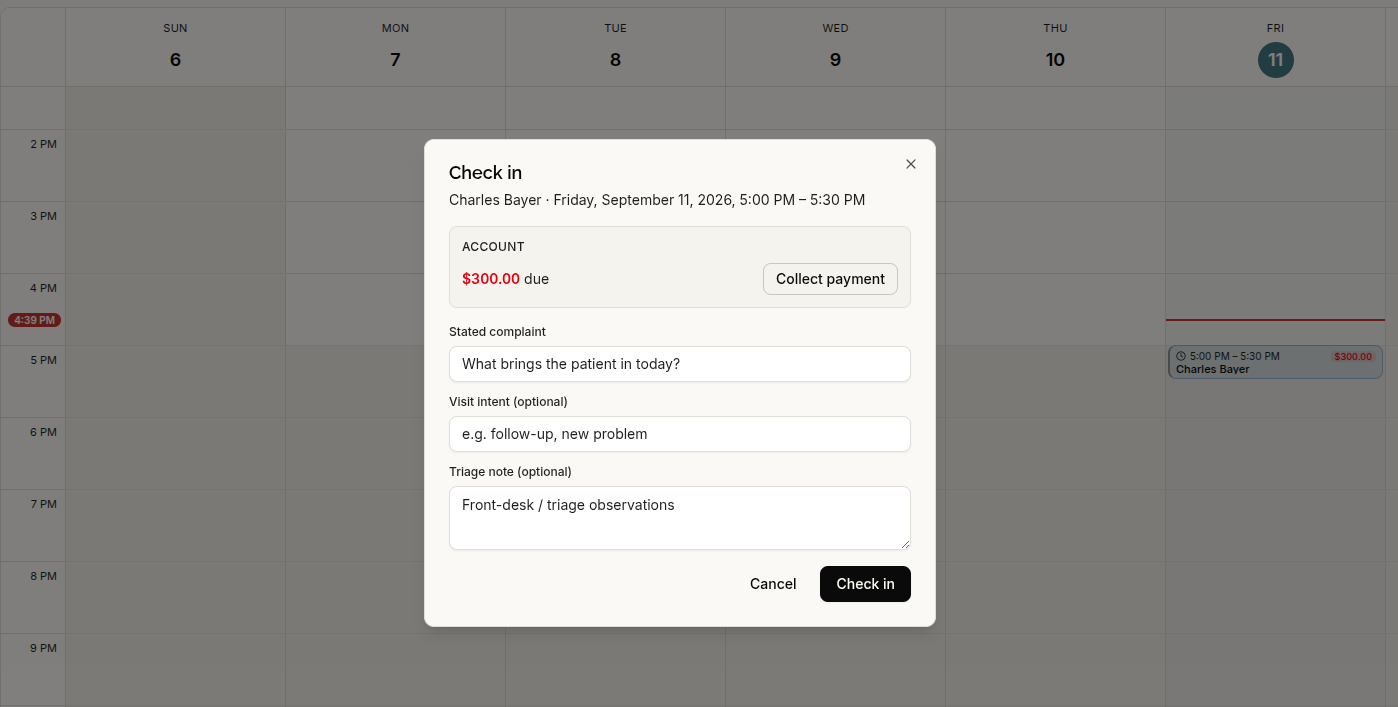
Review balances and collect payments at check-in
Check-in now includes the patient’s balance and payment collection. Patients can also see their outstanding balance at the top of the portal’s Billing tab.
Manage patient rosters and provider profiles
The patient list now loads additional records as you scroll, while search covers the clinic’s full roster. Returning with the browser’s Back button restores the patient-list state.
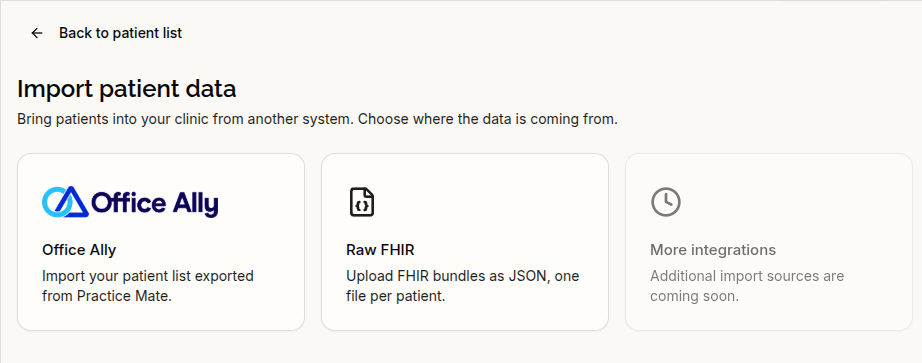
Clinics can import patients from an Office Ally roster export, review the import preview, and confirm before proceeding. Provider profiles can also be edited, deactivated, and reactivated.
Updated record imports and document extraction
C-CDA clinical-summary imports better preserve individual clinical entries, reducing cases where a diagnosis and its status labels appear as separate findings. FHIR imports now include medication statements that were previously omitted and can fill missing demographic fields.
AI-based extraction of chart findings from uploaded documents is now off by default. Document uploading, text recognition, and reading remain available.
Where extraction is enabled, documents must name the patient before findings are extracted, unless the uploader explicitly chooses Extract anyway.
Fixes for chart accuracy and everyday workflows
- Intake and negative findings: Answers such as “no” to surgery or hospitalization questions no longer create affirmative history entries. Negative findings, such as “no known drug allergies,” are distinguished from positive findings.
- Scheduling: Busy calendars no longer hide appointments beyond the previous display limit. Fixes prevent duplicate bookings from repeated submission of the same proposal, and an end time before the start time is no longer silently treated as a next-day appointment. Returning from appointment details also restores the calendar’s focused date.
- Patient record editing: Unsuccessful saves preserve entered information, and unsaved-change protection now covers browser Back. A fix also prevents the editor from silently clearing a stored phone number.
- Clearer errors and processing states: A failed patient-list load is no longer shown as “No patients found.” Unavailable charts provide an explanation, interrupted chat responses are identified after reload, and scans with no recognized text remain marked as uploaded rather than failed.
- Provider mobile app: Home notifications have been updated, including a fix for the incorrect “1 visit didn’t finish saving” alert after a successfully saved scribe session.
A dedicated Help & Support site has also been added.