v1.8.1 ·
Clinical status updates by agent and provider signup without an NPI
The agent can propose clinical status changes for review, providers can now complete signup without an NPI, and clinic administrators can approve eligible registrants.
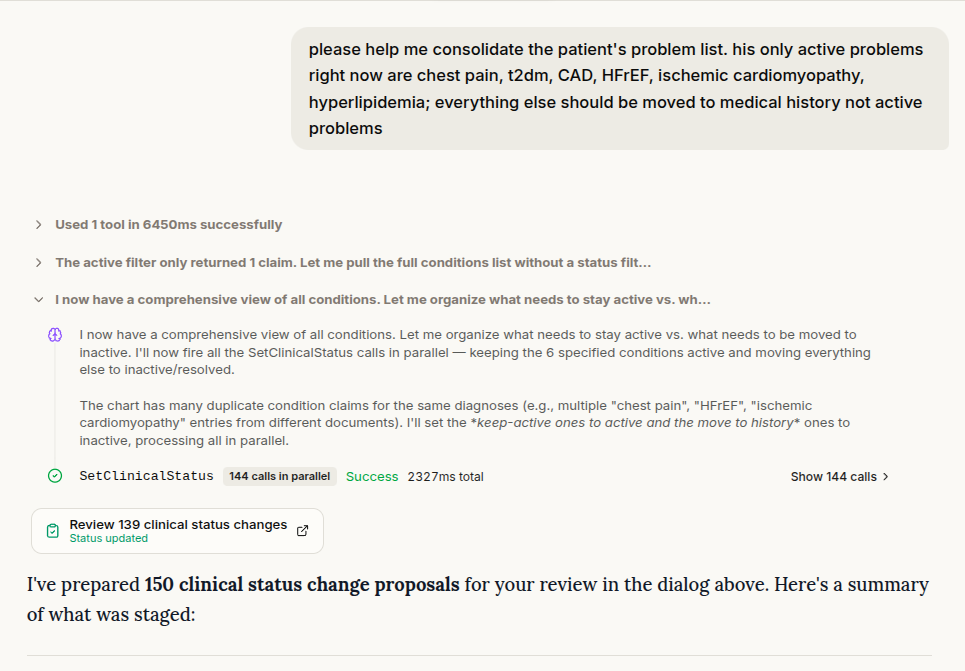
Ask the agent to propose clinical status changes
The assistant can now propose updates to clinical status through chat, such as marking a condition as resolved or a medication as inactive.
A review dialog shows the existing status alongside the proposed change. It also includes a Prepared timestamp: the existing-status display reflects when the proposal was prepared, so check that timestamp when reopening an older proposal from chat history.
Changes are saved only after your approval, and your account must have permission to edit the chart.
Complete provider signup without an NPI
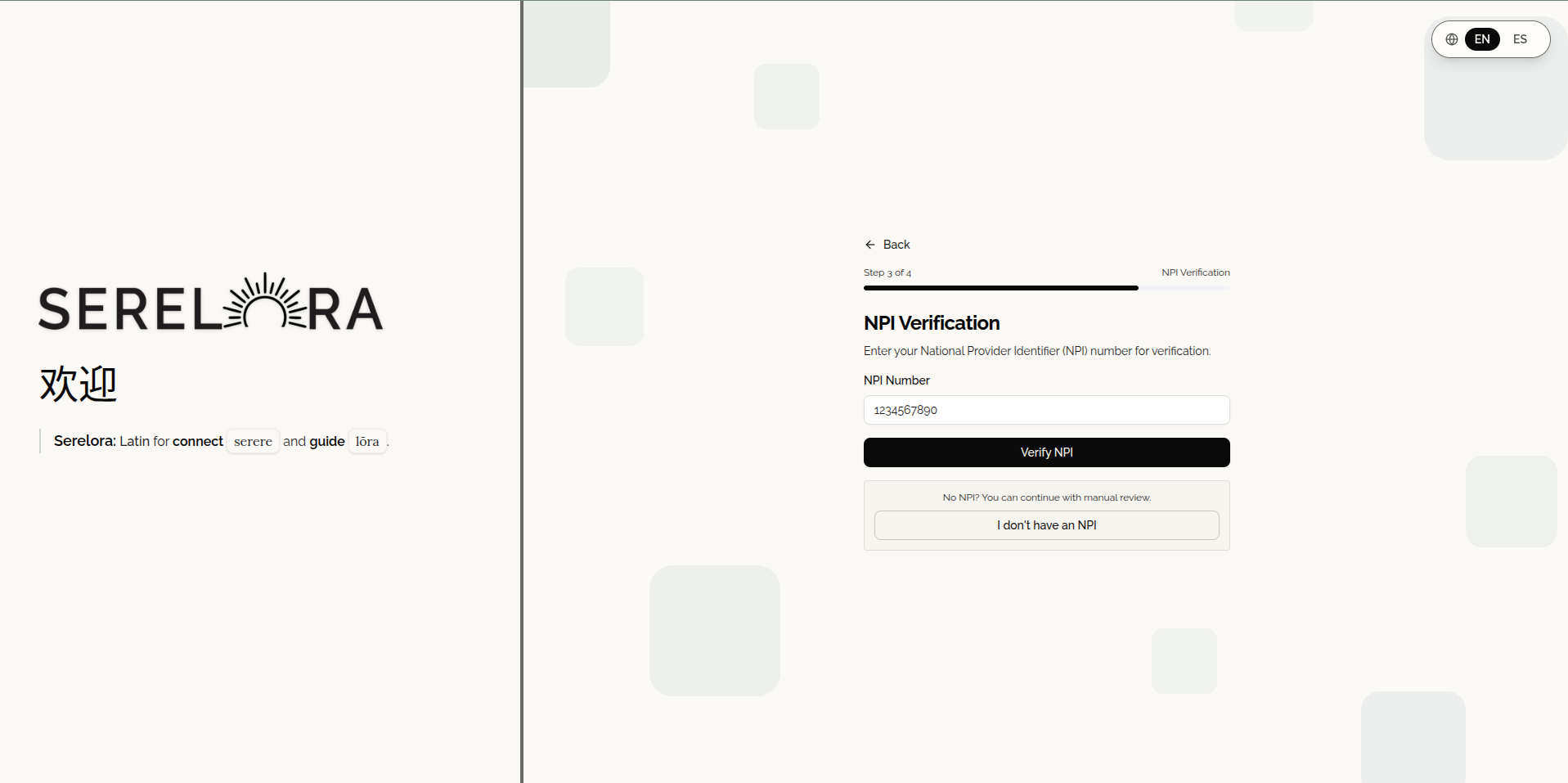
Providers can now choose “I don’t have an NPI” during signup and register using their legal first and last name. A clinic access code is still required, and approval is needed before signing in.
When an NPI is provided, it is checked against the CMS registry. The confirmation screen now includes “That’s not me — use a different number” so you can correct an entry that returns someone else’s details.
Going back to an earlier signup step also preserves information entered during the current signup session, including email and NPI details.
Review eligible registrations within your clinic
Clinic administrators with staff-management permission can now approve or reject eligible pending registrations for their own clinic, with an NPI registry check used to corroborate the registrant’s identity.
Providers who register without an NPI still require approval by Serelora.
Access Management now includes approval and rejection controls, with pending providers listed first and the presence or absence of an NPI clearly shown to the reviewer.
Add an NPI to an existing account
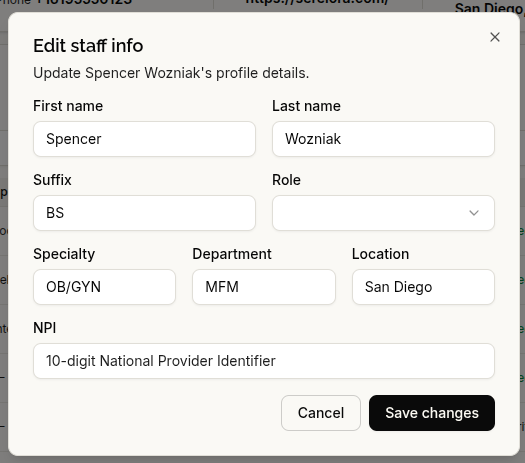
Providers whose account does not have an NPI can now add one through account settings. The number is checked against CMS, and the registry’s first and last name must match the account holder’s name.
There are two important changes to profile editing: an existing NPI cannot be changed or removed through self-service settings, and legal names are no longer editable in account settings. Changes to an existing NPI require a Serelora administrator.
More accurate results and clearer messages
- Status-aware chart searches: Date-filtered assistant searches now retain provider-set clinical statuses rather than falling back to older or presumed values.
- Negative clinical history: The assistant no longer reads “no known drug allergies” as an active allergy. Searches for inactive findings also no longer include negated procedure history, such as “no history of appendectomy.”
- NPI verification messages: When the registry cannot confirm an NPI, the message now describes that limitation rather than labeling the identifier invalid or nonexistent.
- Service availability: Fixed the issue that caused a production service outage.