Search documentation
Find a documentation page by the words on it.
Documentation
Resetting Your Password
If you forget your Serelora password, you can set a new one from your email. You do not need a clinic administrator or Serelora support.
Step 1: Ask for a reset link
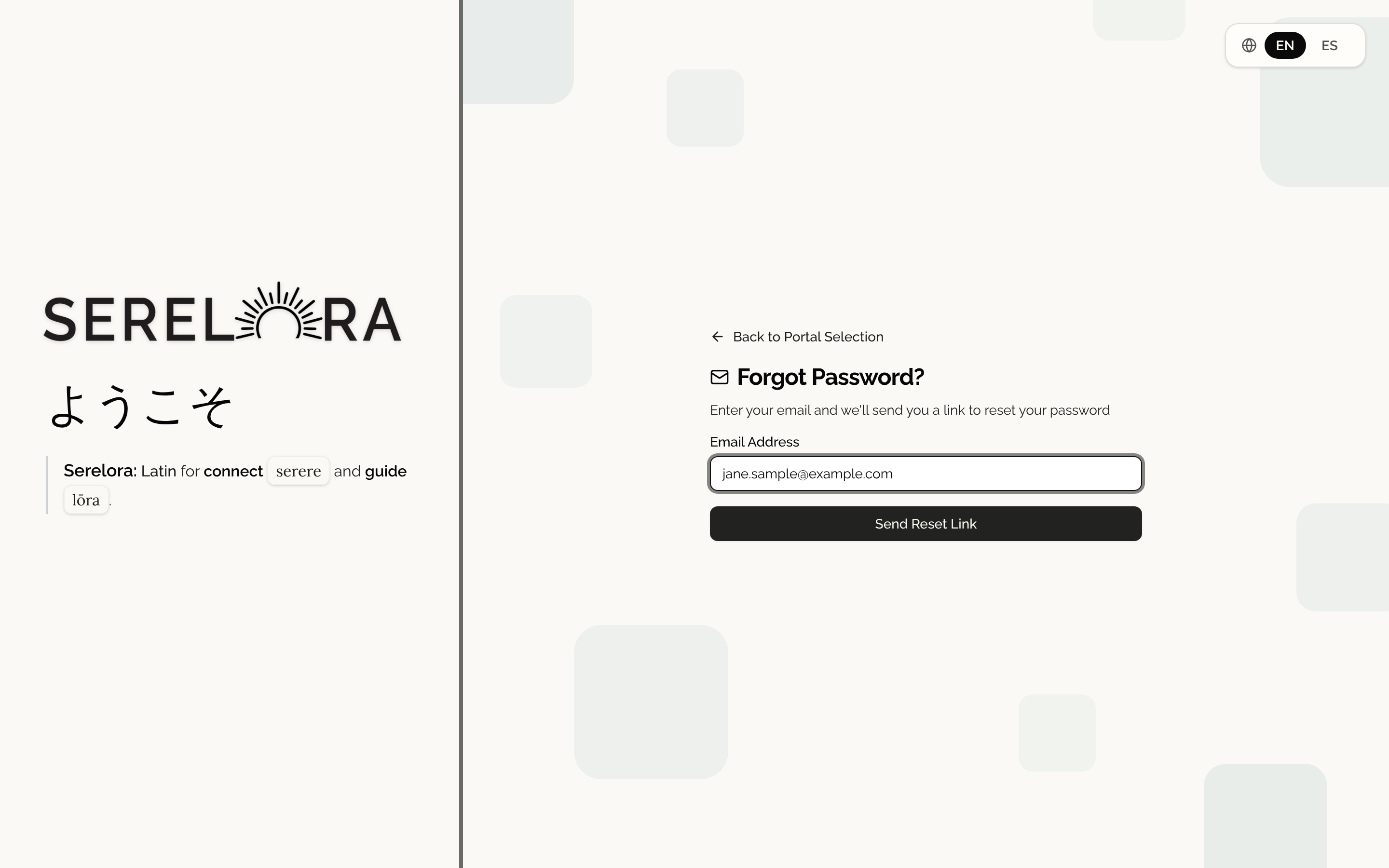
On the Provider Sign In screen, select Forgot password?. On Forgot Password?, enter your address in Email Address and select Send Reset Link.
Serelora shows Check Your Email and says that if an account exists for your address, it has sent a reset link. The message is the same whether or not an account exists, so nobody can use the screen to find out who has an account.
Step 2: Open the link
The link in the email works for 24 hours, and it works once. If you do not see the email, check your spam folder. Select Didn't receive it? Send again after the short countdown ends. Each new link replaces the previous one.
If your account was never activated, Serelora sends you the activation link instead and says so: If that account was never activated, we've sent its activation link instead. See Verifying Your Email.
Step 3: Choose a new password
On Reset your password, type your new password in New password and again in Confirm new password. Serelora shows Must be 14–128 characters and a checklist. Your password must include a capital letter, a lowercase letter, a number and a symbol, and it must match in both fields. A common password is refused with This password is too common. Choose a less common password.
Select Reset password.
Step 4: Sign in
Serelora takes you to the sign-in screen with the message Your password has been reset. Sign in with your new password. For your security, you've been signed out on your other devices. Sign in with the new password.
If the link does not work
- This reset link has expired. Select Request a new reset link and start again.
- This reset link is no longer valid. It was already used, or a newer link was sent. If you already reset your password, select Sign in. Otherwise, request a new link.
Settings has no password field. To change a password you know, sign out and use Forgot password?.