Search documentation
Find a documentation page by the words on it.
Documentation
Immunizations
A patient's vaccines are shown on the Summary tab, on the Immunizations card. There is no separate Immunizations tab.
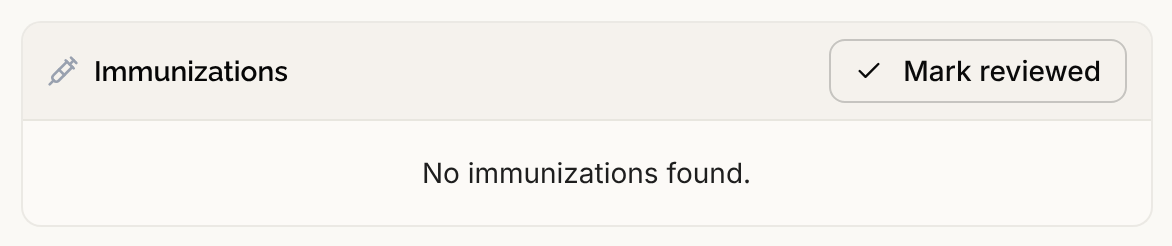
What the card shows
Each row shows the Vaccine and the date it was given. The card lists every immunization on the chart. It is never cut short, so there is no View all link. If there are none, it says No immunizations found.
Immunizations come from documents you upload and from health record files such as C-CDA and FHIR exports. See Documents. There is no button for adding an immunization by hand.
Step 1: Open an entry
Select a row to open its claim detail. There you can see the source document and when each assertion was made. See Claim Detail and Where a Fact Came From.
Step 2: Correct a date or confirm an entry
If you can edit the chart (Admin, Physician, Physician Assistant or Medical Assistant by default), use Row actions at the end of a row.
- Edit… lets you rename the entry and change the Date administered. You can enter a year, a year and month, or a full day.
- Confirm marks the entry as verified.
- Refute (ruled out) and Mark entered in error retract it, and Undo reverses either.
See Correcting a Claim for what each does. A vaccine that is marked entered in error stays visible on this card, struck through, so you can undo it.
Step 3: Mark the card as reviewed
When you have checked the list with the patient, select Mark reviewed in the card header. The card then shows who reviewed it and when. It goes back to showing the date it was last updated if new immunizations arrive afterward. See Last Reviewed.
What is not shown
Health record files often carry more detail about a vaccine, such as the lot number, manufacturer, expiration, site, route and who administered it. Serelora keeps this detail when the file states it, but the chart does not display it yet. The card shows the vaccine and date only.