Search documentation
Find a documentation page by the words on it.
Documentation
Coming Soon Integrations
Some tiles on the Integrations tab are placeholders. They carry a Coming soon badge and nothing to connect. This page lists each one, what it is for, where it stands, what you can use today, and how to ask Serelora about it. For every other tile, see Integration Directory.
What a Coming soon tile looks like
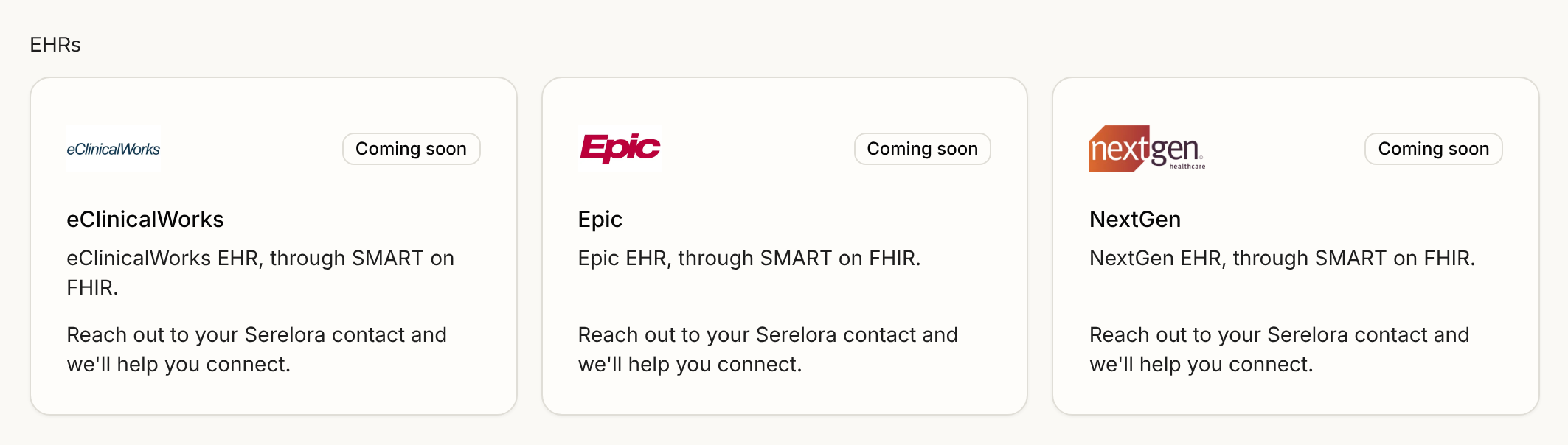
Each placeholder shows the logo, the name, an outline badge reading Coming soon, one line saying what the integration is for, and the sentence "Reach out to your Serelora contact and we'll help you connect." There is no button. Selecting the tile opens nothing, and every role at every clinic sees the same tile. Search finds these tiles by name, category and description like any other, see The Integrations Tab.
What Coming soon means
It means nothing for that integration is switched on in the product: no connection form, no setup page and no menu item. It is not a promise and it is not a date. The description on the tile says what the integration would be for, and it is not an instruction to use it.
At a glance
| Tile | Group | Where it stands |
|---|---|---|
| eClinicalWorks | EHRs | Groundwork only. Nothing to connect. |
| Epic | EHRs | Groundwork only. Nothing to connect. |
| NextGen | EHRs | The tile is a placeholder, but two other NextGen Office connections exist. See below. |
| Square | Payments | Not built. |
| Google Calendar | Scheduling | Not built. |
| Calendly | Scheduling | Not built. |
| CPL | Labs | Not built. |
| Stedi | Insurance and payers | Built but not live. It has its own page. |
"Groundwork only" means Serelora has technical preparation for the connection but no screen a clinic can use. "Not built" means Serelora has built nothing for it yet beyond the tile.
EHRs
All three descriptions end "through SMART on FHIR", the standard Serelora uses to read another EHR with a clinician's own sign-in. See SMART on FHIR.
- eClinicalWorks. For reading from eClinicalWorks. Serelora has groundwork for signing in to eClinicalWorks's test environment, but it does not read eClinicalWorks records, and a change that would add a sign-in tab for it is still under review. If you can export a patient list or FHIR files from eClinicalWorks, see Importing Patients.
- Epic. For reading from Epic. Serelora has technical notes and a test setup, but Epic issues production access one customer organization at a time, and nothing is set up for any clinic.
- NextGen. The NextGen tile in the EHRs group is the placeholder. Two other NextGen Office connections are separate from it: the NextGen Office tile under Data import brings in your patient list, see NextGen Office Roster Import, and EHR Pull reads one patient's records from the chart, see NextGen Office EHR Pull.
athenaOne has its own page, athenaOne Connection, which describes a connection that has not been released yet.
Payments
- Square. For Square payments and invoicing. Serelora has built nothing for it yet. To take patient card payments today, use Stripe, see Connecting Stripe.
Scheduling
- Google Calendar. For showing your clinic's appointments in Google Calendar. Serelora has built nothing for it yet. Your appointments live on the Serelora calendar, see The Calendar.
- Calendly. For patient appointment booking through Calendly. Serelora has built nothing for it yet. Patients can already ask for an appointment in the patient portal chat, see Booking an Appointment in Chat, and staff book on the calendar, see Booking an Appointment.
Labs
- CPL. For lab orders and results with Clinical Pathology Laboratories. Serelora has built nothing for it yet. For lab ordering through a connected vendor, see Fullscript Labs.
Insurance and payers
- Stedi. For eligibility checks and claims. The tile says "Not live yet: no payer receives real transactions today." Serelora has built it behind clinic-by-clinic switches, and no payer receives real transactions yet. See Stedi Insurance Connection.
How to ask Serelora about one
Contact your Serelora contact, as the tile says, or write to Serelora at support@serelora.com. Say which integration you want, which product and version you use today, and what you would do with it. Serelora does not publish a waiting list or a date for these tiles.
If a feature you need is missing but a tile does not exist for it, ask the same way.